Church translation system: compare the workflows
Compare a church translation system using interpreters and receivers, interpreters and phones, or AI and phones, with practical rehearsal questions.
SermonLM Team · · 5 min read
Choosing a church translation system starts with the path of the sermon, from the speaker to each listener. This page compares a human interpreter with receivers, a human interpreter with phones, and AI with phones. Each section answers the same questions: who translates, how listeners hear it, what volunteers, equipment and preparation are needed, and what to rehearse before Sunday.
At a glance
- Human interpreter + receivers: fits when an interpreter is there every week and volunteers can hand out and collect receivers.
- Human interpreter + phones: fits when an interpreter is there but your church would rather not manage receivers.
- AI + phones: fits when no interpreter is available every week.
Human interpreter + receivers
Who translates? A human interpreter translates the sermon. Name a backup for weeks when that person is away. Send the interpreter the sermon outline and any unfamiliar names ahead of time.
How do listeners hear it? Each listener picks up a receiver and wears headphones. They hear the interpreter's voice while the pastor speaks. Confirm that your receivers, headphones and the interpreter's microphone work together; do not guess from matching plugs or labels.
What do volunteers, equipment and preparation involve? Name a volunteer to hand out the receivers and collect them after the service, and tell listeners where to pick them up. Name another to check that each receiver has power and a working set of headphones before people arrive. Decide where the interpreter sits and who sets up the interpreter's microphone.
What should you rehearse before Sunday? Run a short sermon excerpt with the real interpreter, microphone and receivers. Have someone listen from the seats your listeners will use. Practise the handout, and decide what a volunteer does when a listener hears nothing.
Human interpreter + phones
Who translates? A human interpreter translates the sermon, as in the workflow above. Choosing that person is a separate decision from choosing the phone tool, so settle the interpreter and the tool. Ask the interpreter what they need to prepare, and who will rehearse with them.
How do listeners hear it? Listeners open the chosen listening tool on their own phone and wear headphones. Your church picks the tool that carries the interpreter's voice to those phones. Confirm that the tool can carry a live interpreter's voice before you plan the rest.
What do volunteers, equipment and preparation involve? Name a volunteer to set up the interpreter's microphone and the phone tool each Sunday. Name another to help listeners get connected. Decide where the interpreter sits, and who checks that sound is coming through before the service starts.
What should you rehearse before Sunday? Follow the interpreter's voice from the microphone to a listener's phone and headphones, in the real room. Start the tool the way a volunteer will on Sunday. Decide what to do when a phone stops playing, and write down any problem your volunteers cannot solve.
AI + phones
Who translates? AI translates the sermon from the speaker's voice, so no interpreter has to be in the room. Name a volunteer who starts and watches it each Sunday. Name a bilingual listener who can tell you how the translation sounds.
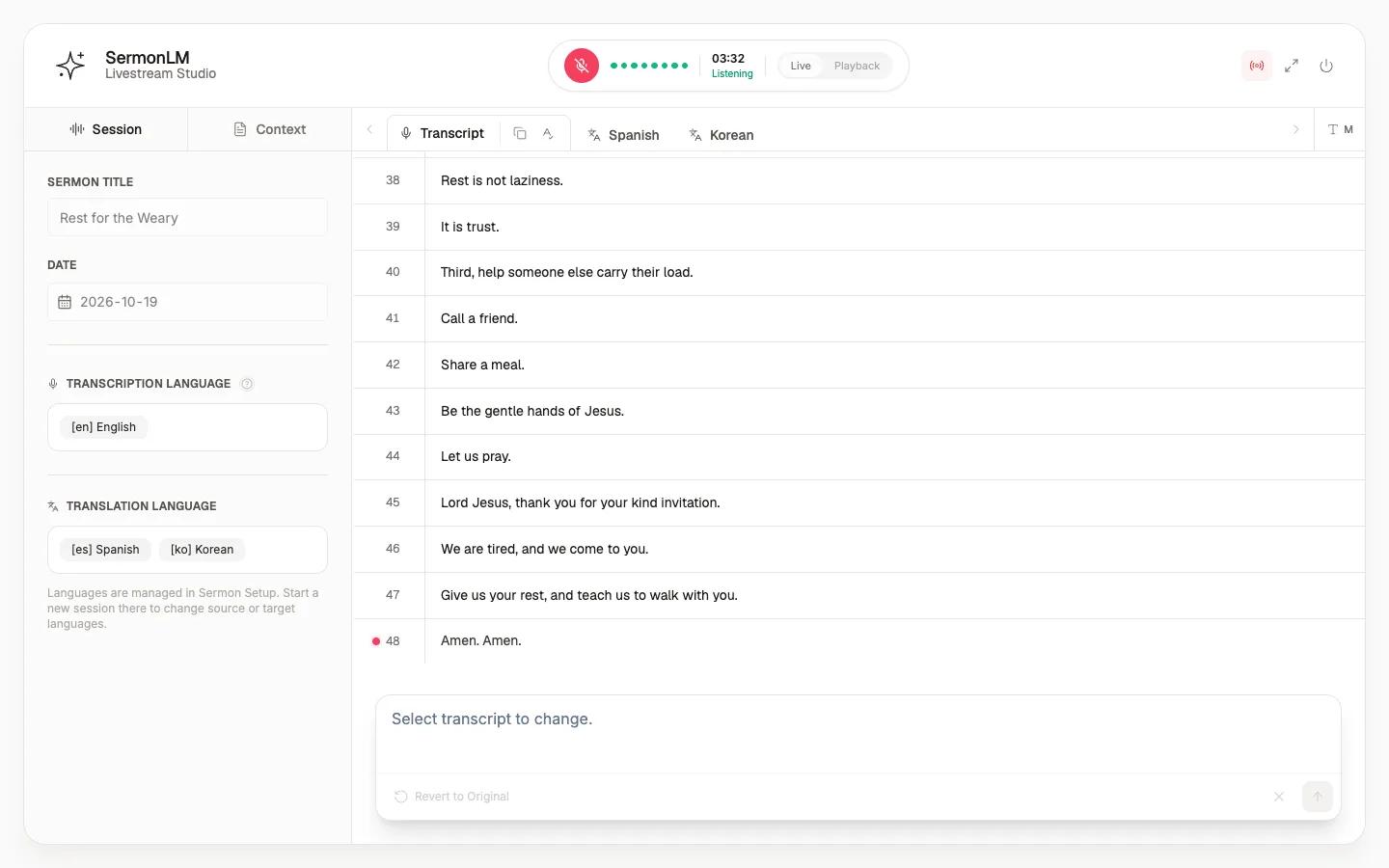
How do listeners hear it? Listeners open the listening tool on their own phone and wear headphones. Confirm that the tool supports your sermon's language and your listeners' language before you go further.
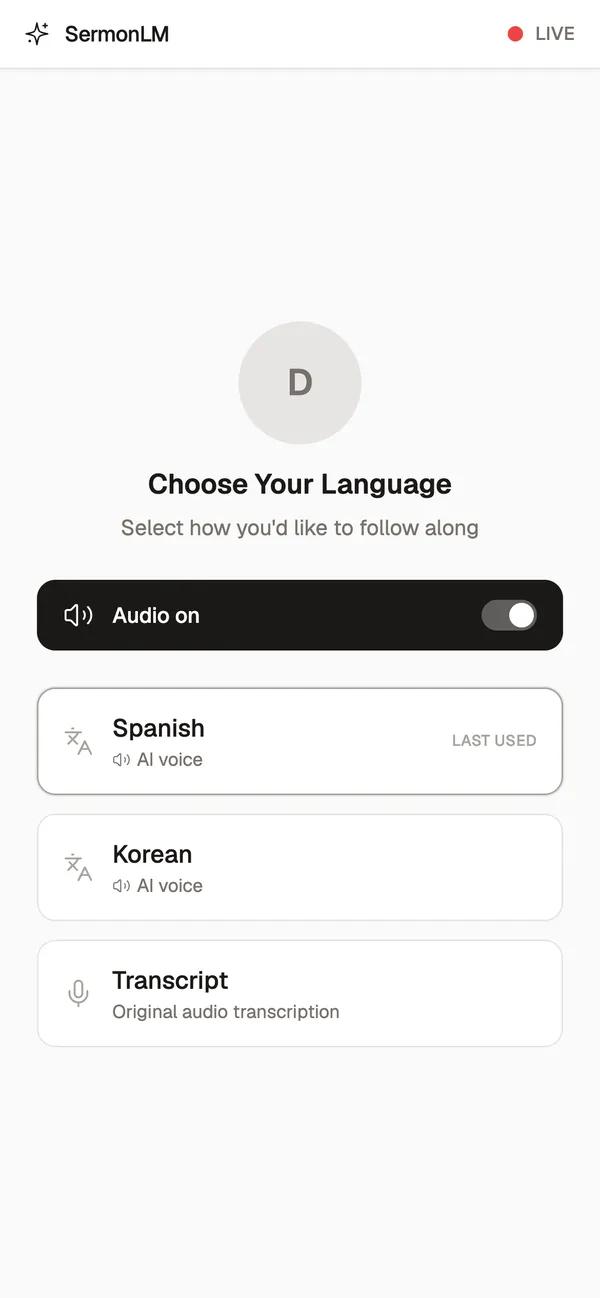
What do volunteers, equipment and preparation involve? Decide how the speaker's voice reaches the tool, and name the person who checks it each Sunday. Name another volunteer to help listeners get connected and to hold spare headphones for guests.
What should you rehearse before Sunday? Run a prepared sermon excerpt with the planned speaker, using the phones and headphones listeners will use. Ask a bilingual listener what was clear and what was not. Practise starting the tool, and decide what to do if it stops.
If your team can meet during the week, follow the steps for a weekday sermon translation test, from clean sound to a meaning check.
Choosing between them
Start with the At a glance lines and pick the line that matches your Sunday. Then list its tasks: who interprets or starts the tool, who sets up the microphone, who helps listeners, and who has listened from a listener's seat. A task without a name is the next thing to fix. If several lines fit your church, rehearse each workflow with the same volunteers and compare the tasks it gives them.
For the equipment side, our guide has kits, paid interpreters and phone software compared, with a worked year.
If you are still deciding whether phone listening suits your congregation, read who a church translation app is for. For Spanish-English services, the Spanish-English Sunday plan covers the welcome and the volunteer handover.
SermonLM and the phone route
If your church is considering the phone route, SermonLM is live sermon translation for multilingual churches. Congregants scan a QR code and listen on their own phone. It offers translator mode, congregant listening, and QR-code access.
For the church setup and how guests follow on their own phone with their own earphones, read how SermonLM works and our overview of live sermon translation for churches.