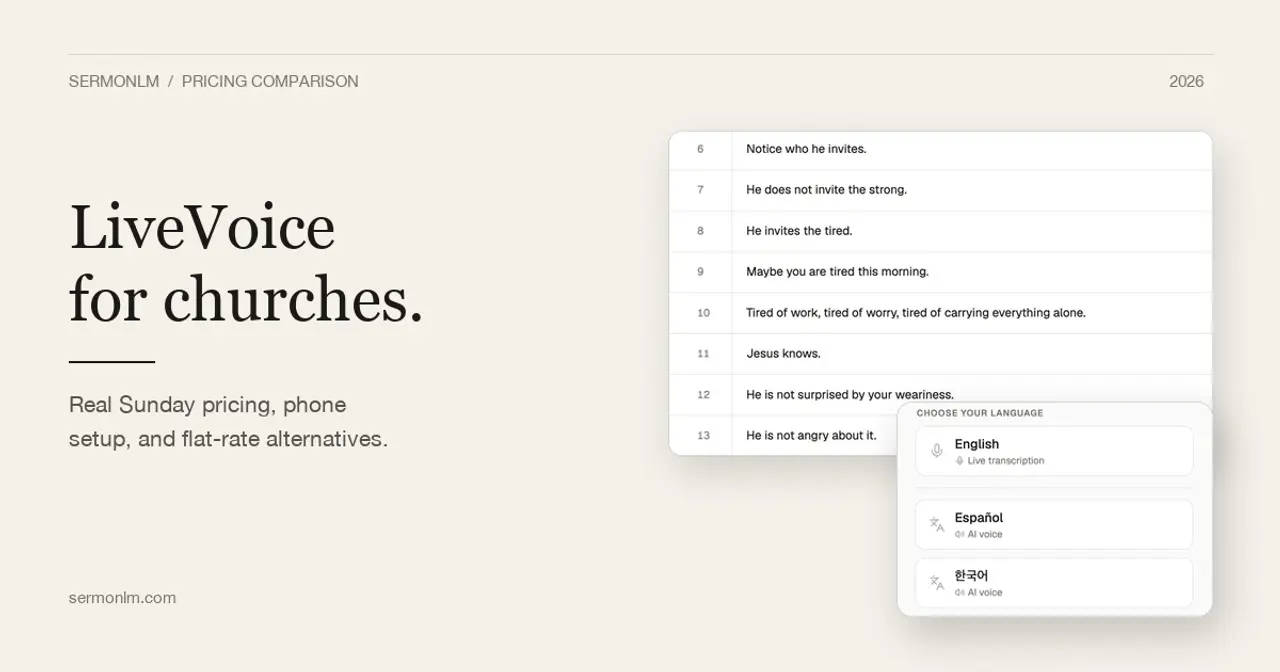
LiveVoice for churches: pricing and alternatives (2026)
LiveVoice vs SermonLM for 4 one-hour bilingual Sundays (100 listeners): $483.60+/mo on LiveVoice vs $80/mo PAYG estimate or $99/mo on SermonLM.
SermonLM Team · · 11 min read
Pricing verified November 26, 2026. We build SermonLM, one of the options on this page.
LiveVoice bills in separate layers: listener plans from $10/day (10 listeners) or $234 to $372/month (100 listeners), $0.52/min per language ($31.20/hr) for AI voice and text, and $369 to $700/day for Big Screen packages (church discounts on request). SermonLM is $10/translation hour Pay-As-You-Go or $99/month Standard with 10 service hours, room captions, and human interpreter rooms included.
This guide compares published USD rates for a 100-person bilingual church running 4 one-hour Sunday services per month in 2 AI languages.
What is LiveVoice and how does its pricing work?
LiveVoice (livevoice.io, operated by LiveVoice GmbH in Salzburg, Austria) is a live audio and translation platform used for conferences, guided tours, and churches. Congregants can listen to human interpreters or AI voice on their smartphones.
LiveVoice splits its billing into modular layers on LiveVoice pricing:
- 1. Participant Plan (for phone listeners): Billed by maximum concurrent listeners (10 to 1,000+) on Day, Monthly, or Yearly tiers (LIGHT, SMART, or PRO). Feature access varies by tier: LIGHT omits AI glossary, custom branding, and recording, which require SMART.
- 2. Big Screen Packages (for room projection): Sold separately in 1, 2, 3, or 7-day blocks. A 1-day package is $369 (Starter, with the LiveVoice logo), $563 (Advanced, with no logo), or $700 (Complete, with your church logo).
- 3. AI Translation and Captions (add-on): Billed per minute, per language on top of a Participant Plan or a Big Screen package. Standard AI Voice and Text is $0.52/min/language ($31.20/hr/language), Premium AI Voice is $0.70/min/language ($42.00/hr/language), and original-language live captions are $0.21/min/language.
If a church purchases both a 100-listener monthly Participant Plan and four 1-day Big Screen packages to serve phone listeners and project captions in the room, both base layers stack on top of AI minutes. LiveVoice also offers a test tier for up to 3 concurrent participants at no charge, and notes unpublished church and nonprofit discounts through its contact form.
Monthly total for a 100-person bilingual church
Here is the published monthly math for a 100-person bilingual church running 4 one-hour Sunday services per month in 2 AI languages (4 service hours = 8 AI translation hours = 480 AI language-minutes).
| Option | Base Plan | AI Translation (480 min / 8 hrs) | Room Screen (4 Sundays) | Monthly Total (No Screen) | Monthly Total (With Room Screen) |
|---|---|---|---|---|---|
| LiveVoice LIGHT (100 listeners, no glossary/branding/recording) | $234.00 | $249.60 ($0.52/min/lang) | $1,476.00 (4 x $369 Starter) | $483.60/mo | $1,959.60/mo |
| LiveVoice SMART (100 listeners, adds glossary/branding/recording) | $372.00 | $249.60 ($0.52/min/lang) | $1,476.00 (4 x $369 Starter) | $621.60/mo | $2,097.60/mo |
| SermonLM Pay-As-You-Go (4-service estimate at $10/translation hr, up to 500 listeners) | $0.00 | $80.00 (8 hrs x $10) | Included | $80.00/mo estimate | $80.00/mo estimate |
| SermonLM Standard ($99/mo, or $84/mo annual, up to 500 listeners) | $99.00 | Included (uses 4 of 10 service hrs) | Included | $99.00/mo | $99.00/mo |
A few details matter when checking these numbers against your Sunday schedule:
- Premium AI voice on LiveVoice: Switching from Standard AI ($0.52/min/language) to Premium AI ($0.70/min/language) raises LiveVoice's AI line from $249.60 to $336.00/month, bringing SMART to $708.00/month without a screen.
- Branded screens on LiveVoice: Moving from Starter ($369/day, $1,476/month for 4 Sundays) to Complete ($700/day, $2,800/month for 4 Sundays) adds $1,324/month more for the screen layer, bringing SMART with Standard AI to $3,421.60/month (or $3,508.00/month with Premium AI).
- Yearly billing and church discounts: Annual billing reduces LiveVoice's Participant Plan by roughly 30%, while AI minutes remain per-minute per-language. LiveVoice's unpublished church and nonprofit discounts require submitting its contact form for a custom quote.
- SermonLM service hours vs. translation hours: On SermonLM Standard ($99/month, or $84/month billed yearly, saving 15%), 1 service hour covers up to 3 active AI languages at once. Running 4 one-hour bilingual Sundays uses 4 of your 10 included service hours, leaving 6 hours for prayer nights or midweek services. Paused time during hymns or worship music does not count.
LiveVoice vs. SermonLM side by side
This table compares published details from LiveVoice pricing and SermonLM pricing.
| Feature | LiveVoice | SermonLM |
|---|---|---|
| Monthly plan for 100 listeners | $234/mo (LIGHT) or $372/mo (SMART) plus AI minutes | Standard $99/mo ($84/mo annual) for 10 service hrs, up to 500 listeners |
| Pay-as-you-go option | Day plans ($10 to $32/day at 10 listeners) plus $0.52/min/lang AI | $10 per translation hour (billed by the minute, prepaid from $10, no monthly fee) |
| AI voice rate | $0.52/min/lang Standard ($31.20/hr); $0.70/min/lang Premium ($42/hr) | Included in monthly service hours, or $10/hr Pay-As-You-Go ($8/hr extra on plans) |
| Room screen and livestream captions | Separate Big Screen package: $369 to $700/day plus AI minutes | Included: reusable caption link for OBS, vMix, ATEM, or room screen; SRT for YouTube |
| Human interpreter rooms | Supported on participant plans | Included at no extra charge on every monthly plan, from anywhere |
| Guest join flow | Native iOS/Android app or browser link (mobile browser stops audio when screen locks) | Browser-first permanent church QR code; no app download and no account |
| AI glossary and branding | Included on SMART tier ($372/mo for 100 listeners) | Included on Pay-As-You-Go and all monthly plans |
| Bible verse references | Not listed publicly | Real Bible text reference per language while keeping the pastor's own words |
| Published language support | 70+ languages across AI and human channels | Broad AI language support (including English, Spanish, Korean, Mandarin; no Cantonese) |
| Way to test before buying | Test tier with up to 3 concurrent participants | Self-serve sign-up with Playback testing on recorded sermons |
| Church or nonprofit discounts | Unpublished rates via contact form | Public flat rates; 15% annual savings on Standard |
Practical differences for Sunday volunteers and guests
Pricing is only half the Sunday decision. Three workflow differences show up on a typical Sunday morning.
1. Guest join experience: app and browser options vs. browser-first QR
LiveVoice supports both its native iOS/Android app and browser joining via a link or 6-digit invite code. On its help pages, LiveVoice notes that mobile browsers pause audio when the phone screen locks, which is why it recommends its native app for phone listeners.
With SermonLM, congregants scan one permanent church QR code on a screen or printed sign at the entrance. It opens directly in the phone's web browser with no app download and no account. Guests pick their language and follow with AI voice, live text, or a human interpreter room using their own earbuds on church Wi-Fi or phone data.
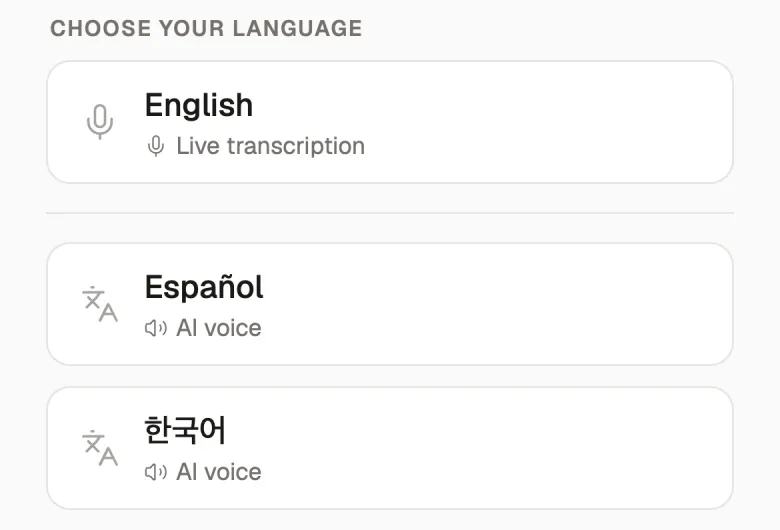
If your church serves a Spanish-speaking community, you can see how the guest flow works on our Spanish church translation page.
2. Sanctuary screens and livestream captions
Many churches project translated captions on a room screen or overlay them on their Sunday livestream. On LiveVoice, Big Screen projection is sold as a separate 1, 2, 3, or 7-day package ($369 to $700/day) on top of AI minutes, and combining that with a monthly Participant Plan for phone listeners means purchasing both base layers.
SermonLM includes a reusable weekly caption link in both Pay-As-You-Go and monthly plans. Your media volunteer pastes the link once into OBS, vMix, ATEM, or a room screen (or as Web Content in ProPresenter), and the same link works every Sunday. After the service, you can download an SRT subtitle file for YouTube.
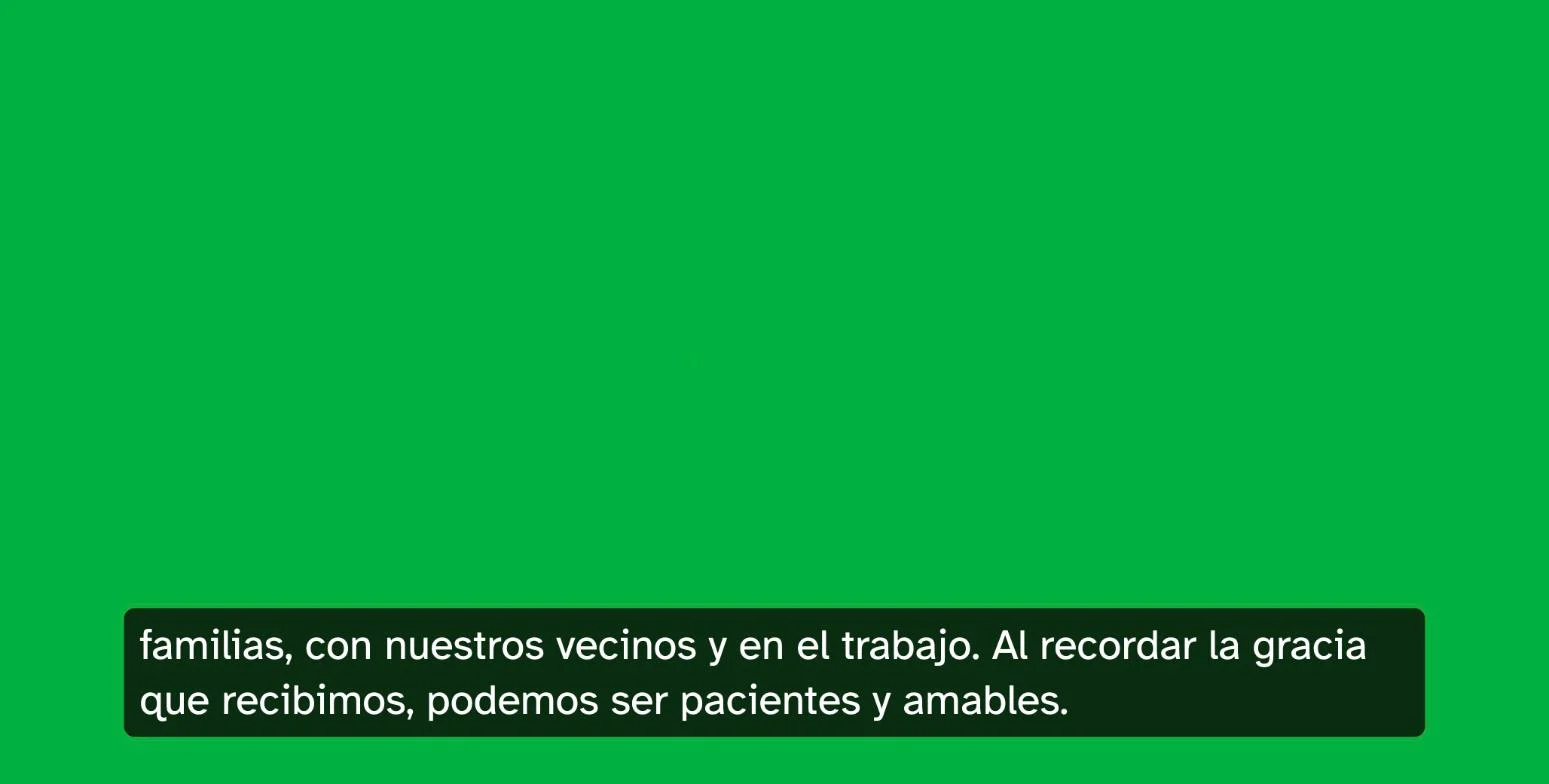
For step-by-step OBS setup, read our guide to church livestream captions in OBS.
3. Weekly sermon controls and human interpreter rooms
SermonLM is built around a weekly Sunday service, running from one laptop connected to the sound mixer by one audio cable. See how SermonLM setup works and how to run sermon translation on Sunday with one volunteer.
Every SermonLM monthly plan includes live rooms for your church's own human interpreters at no extra charge, working in church or remotely from their own device. Interpreter rooms add no hours and do not count toward your AI language limit, so you can pair human interpreters in one language with AI voice in others during the same service. You can also set a Bible version per language, add church terms in Glossary using Translate To, and press Pause during hymns or worship music so paused time does not count.
When LiveVoice makes sense
LiveVoice is a capable platform and a strong fit in several situations:
- Multi-day conferences and 1,000+ attendee events: If you host an annual regional or international conference that needs 1,000-listener capacity for two or three days, LiveVoice's day-pass model matches that event cadence.
- Livestream audio-delay sync: In LiveVoice's published hybrid-church case study, the church used LiveVoice's dedicated audio-delay channel to align live translation with roughly 20 seconds of YouTube livestream lag.
- AV agencies and resellers: LiveVoice operates a reseller program for AV production companies and language service providers that manage multiple client events under one account.
- Aggregate language breadth or native app lock-screen playback: LiveVoice lists 70+ languages across its AI and human channels, and its native mobile app keeps audio playing when a listener locks their phone screen.
If you are also comparing other church-focused platforms, see our side-by-side guide to OneAccord pricing and alternatives.
How to test before inviting your congregation
Before rolling out any translation tool on Sunday morning, run a quiet midweek check with a past sermon recording.
In SermonLM, open Playback in Chrome or Edge on a computer, play a recorded sermon from your YouTube channel in another tab, and review the live text and voice with your pastor and a bilingual member. Follow our step-by-step guide to test sermon translation with a recorded sermon.
SermonLM requires an internet connection and has a short delay after the pastor speaks. When you are ready to match a plan to your weekly schedule, review current SermonLM plans.
Frequently asked questions about LiveVoice for churches
How much does LiveVoice charge for AI translation in a church?
LiveVoice bills AI translation in layers: a Participant Plan based on listener count ($234/month LIGHT or $372/month SMART for 100 listeners) plus $0.52/minute/language for Standard AI Voice and Text ($0.70/minute/language for Premium AI). For 4 one-hour bilingual Sundays (480 AI minutes), that totals $483.60 to $621.60/month with Standard AI, or $570.00 to $708.00/month with Premium AI, before adding any screen package.
Does LiveVoice offer a church or nonprofit discount?
Yes. LiveVoice states on its church page that special church and nonprofit discounts are available by contacting its team. No discount percentage is published on livevoice.io, so churches submit a contact form to request a custom quote.
How does LiveVoice's modular billing add up for weekly church services?
LiveVoice bills AI minutes on top of either a Participant Plan (for phone listeners) or a Big Screen package (for room projection). Modeling a combined purchase for both 100 phone listeners and a room screen stacks the Participant Plan ($234 to $372/month), AI minutes ($249.60/month with Standard AI for 4 bilingual Sundays), and 4 daily Big Screen passes ($1,476/month Starter to $2,800/month Complete).
Do church visitors have to download an app to use LiveVoice or SermonLM?
LiveVoice supports both its native iOS/Android app and browser joining, though it notes that mobile browsers pause audio when the phone screen locks and therefore recommends the native app for phone listeners. SermonLM opens directly in the phone's web browser from a permanent church QR code with no app download and no account.
Can we use our own human interpreters with SermonLM?
Yes. Every SermonLM monthly plan (Standard, Premium, and Max) includes live rooms for your church's own human interpreters at no extra charge, working in church or remotely from their own device. Interpreter rooms add no hours and do not count toward your AI language limit.
How does SermonLM count hours when translating into two or three languages?
On a SermonLM monthly plan, 1 service hour counts once across all active AI languages (up to 3 on Standard, 5 on Premium, 7 on Max), so a 1-hour bilingual Sunday uses 1 service hour. On Pay-As-You-Go ($10 per translation hour, billed by the minute), 1 hour in 2 languages counts as 2 translation hours ($20).
How can our church test sermon translation before Sunday?
You can test SermonLM midweek using the built-in Playback feature in Chrome or Edge with a recorded sermon video from your YouTube channel. That lets your pastor and media volunteer check the live transcript and voice before announcing it to the congregation.